How to practise past admission papers with AI: photo in, answers out, misses into practice
A past admission paper is the closest thing to the real test, and the hard part has never been finding one. It is knowing, afterwards, why you lost each mark. Here is a loop that turns a paper into a list of what to fix.
Photograph a past admission paper (or scan it to one PDF), attach it to a question in Porphy, choose Answer, and set the style to Exam paper. Porphy answers every question in the paper's own order, sized to its printed marks, and ends each answer with one line on what earns the marks. For an MCQ that means the correct option with its text and a one-line reason. Sit the paper timed on your own first, then compare, and log every miss as did-not-know, slipped or ran-out-of-time. The answers come from the paper and the model's own knowledge with no web search, so an answer can be wrong: check any answer you disagree with against your textbook or the published key. Porphy has no admission question bank and does not know any test's marking scheme.
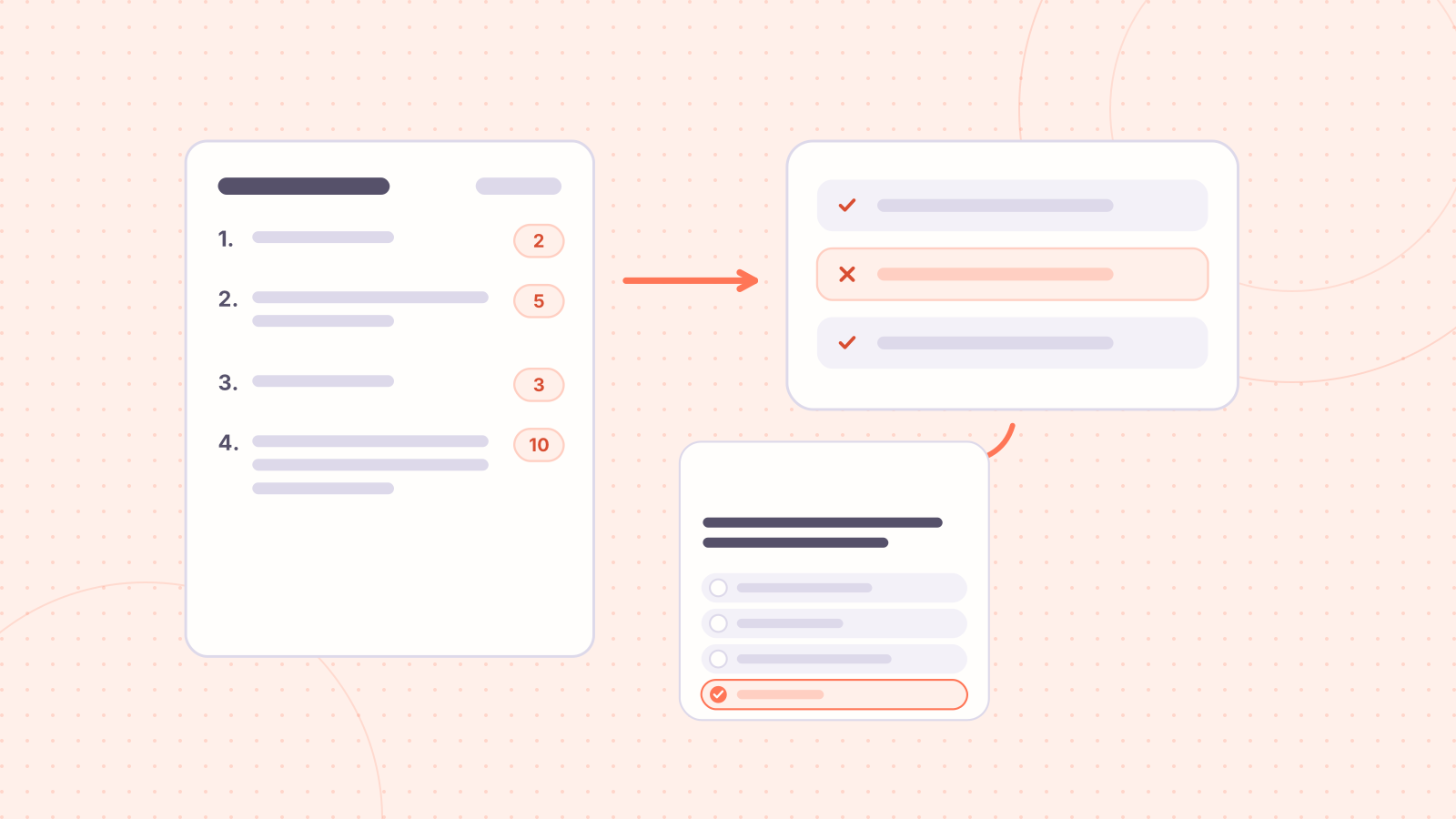
Every admission teacher says the same thing: sit past papers. It is good advice, and the reason it works is not the questions. It is that a timed paper shows you, in one afternoon, which topics fail you, which questions you misread, and where the clock beats you. A paper you only read through shows you none of that.
The trouble comes after you finish. You are 14 marks short and you do not know why. The answer key, if you have one, gives a letter. This guide is a loop for turning one paper into a short list of things to fix, with AI doing the slow part, which is writing out a reasoned answer for every question.
The loop
- Sit the paper first, timed, with no help. Use the real time limit from your target's circular. The answers are for after.
- Photograph the paper flat, one page per photo, or scan it to a single PDF. One question can carry up to 5 photos and one PDF (2 photos on a free account), so a long paper is easiest as a PDF.
- Choose Answer, attach it, and set the style to Exam paper. Porphy lists every question it found, then answers them in the paper's order.
- Mark your own sheet against the answers. For each miss, write one word in your error log: did not know, slipped, or ran out of time.
- Take the did-not-know list into a lesson, not a reread. The next section shows how.
A one-mark question gets the answer alone: the correct option with its text, not just a letter. Each answer then ends with a line starting "Why:" that names the rule or step that decides it. When you pick a wrong option, that line shows you whether you lacked the idea or only slipped.
Sort your misses before you fix them
Three kinds of miss need three different fixes, and mixing them up is how weeks get wasted.
- Did not know it: a gap in a topic. Fix it with a lesson, then questions on that topic.
- Knew it, slipped: a sign error, a unit, a misread option. Fix it with slower, checked practice, not more content.
- Ran out of time: a speed problem. Only more timed papers fix it. No amount of explanation will.
After four or five papers, read the did-not-know column as a whole. Topics that appear again and again are your plan. This is the same diagnose-first move as in the 60-day admission plan, done with your own data instead of a guess.
Turn the did-not-know list into practice
- Highlight the question or the "Why:" line in the reader and ask the voice tutor to explain it. It talks and draws on a whiteboard, and you can interrupt with "why" as often as you like.
- For a whole weak topic, start a course on it at overview depth, then use the Practice panel for questions on what you just read.
- Add your coaching sheets and the paper's answer document to a Project, then ask across all of them. Answers point back to the page they came from.
- Generate MCQs from your own notes with this method, and check each question against the source before you trust it.
How to check an answer before you believe it
Exam paper mode answers from the paper itself and from what the model already knows. It does not search the web, so no answer carries a source, and a wrong option is possible, most often in a long calculation or an exact fact. Three habits keep you safe:
- If a published answer key exists for that paper, compare it. Every disagreement is worth five minutes: either you or the answer is wrong, and finding which is the studying.
- Redo any calculation yourself. A number carried forward from a misread figure is the commonest error.
- Treat the "Why:" line as the thing to learn and the option letter as the thing to verify.
Where it stops
- It has no admission question bank and does not know this year's trends or any test's marking scheme. Check the circular for negative marking, the time limit and the syllabus.
- It cannot read what the photo does not show. A question lost to glare or cut at the edge is listed under "Not answered" instead of being guessed. Retake that page.
- It cannot give you speed. The clock is only trained by sitting papers against the clock.
- It is for practice. It has no place in a real test, and it would not help you there anyway.
For the same feature applied to class tests and board papers, see how to solve an exam paper with AI.
Every new account starts with 2,000 credits free, no card, no subscription, and they never expire. A full researched course runs about 600–1,200 credits, an MCQ set or flashcard deck 10–30, and the voice tutor 20–60 a minute. Free accounts run a lighter pipeline so the credits go further: at most 3 parts per course, with text and tables in place of generated visualizations.